
ATEM SDI Comparison
If your church is transitioning from HDMI to SDI for more reliable camera connections and longer cable runs, Blackmagic Design’s ATEM SDI switchers offer a simple, affordable, and volunteer-friendly upgrade path. SDI cables lock into place, run much farther, and reduce signal dropouts during worship — making them ideal for church livestream setups.
This guide compares the three main ATEM SDI models so you can choose the right one for your church: ATEM SDI, ATEM SDI Pro ISO, and ATEM SDI Extreme ISO.
Learn more about ATEM Mini with our in-depth setup guide:
ATEM SDI
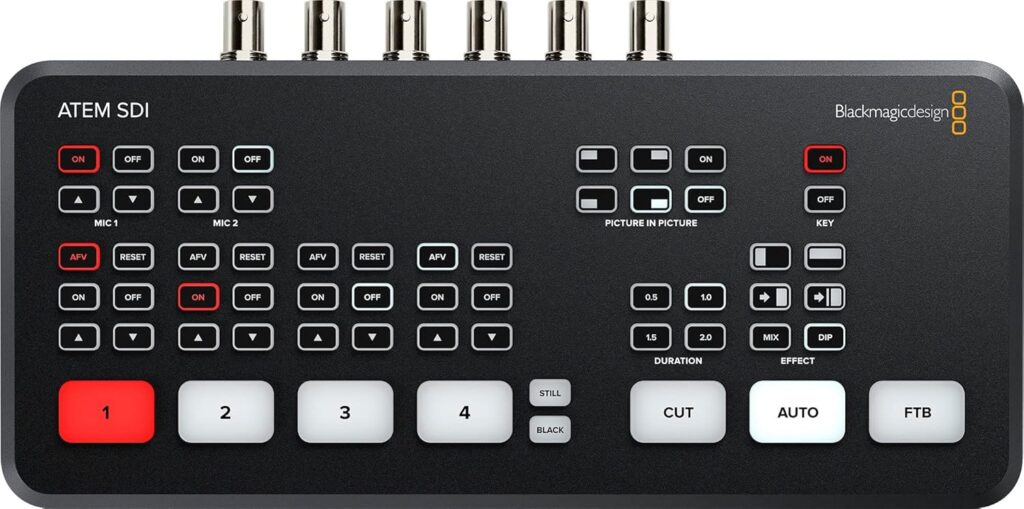
The ATEM SDI is the entry-level model in the SDI lineup — simple, compact, and perfect for smaller churches switching to SDI for cleaner runs and more stable connections.
Key Features
- 4 standards-converted 3G-SDI inputs
- 2 SDI outputs for program/aux routing
- USB-C webcam output (works with Zoom, OBS, ProPresenter, etc.)
- Built-in Fairlight audio mixer with EQ and dynamics
- Picture-in-picture, chroma key, and basic transitions
- Compact desktop design with integrated control panel
Best For
Churches using 1–3 SDI cameras that want a reliable, plug-and-play switcher without built-in streaming or ISO recording. Ideal for simple livestreaming setups where you handle streaming through software like OBS or ProPresenter on a computer.
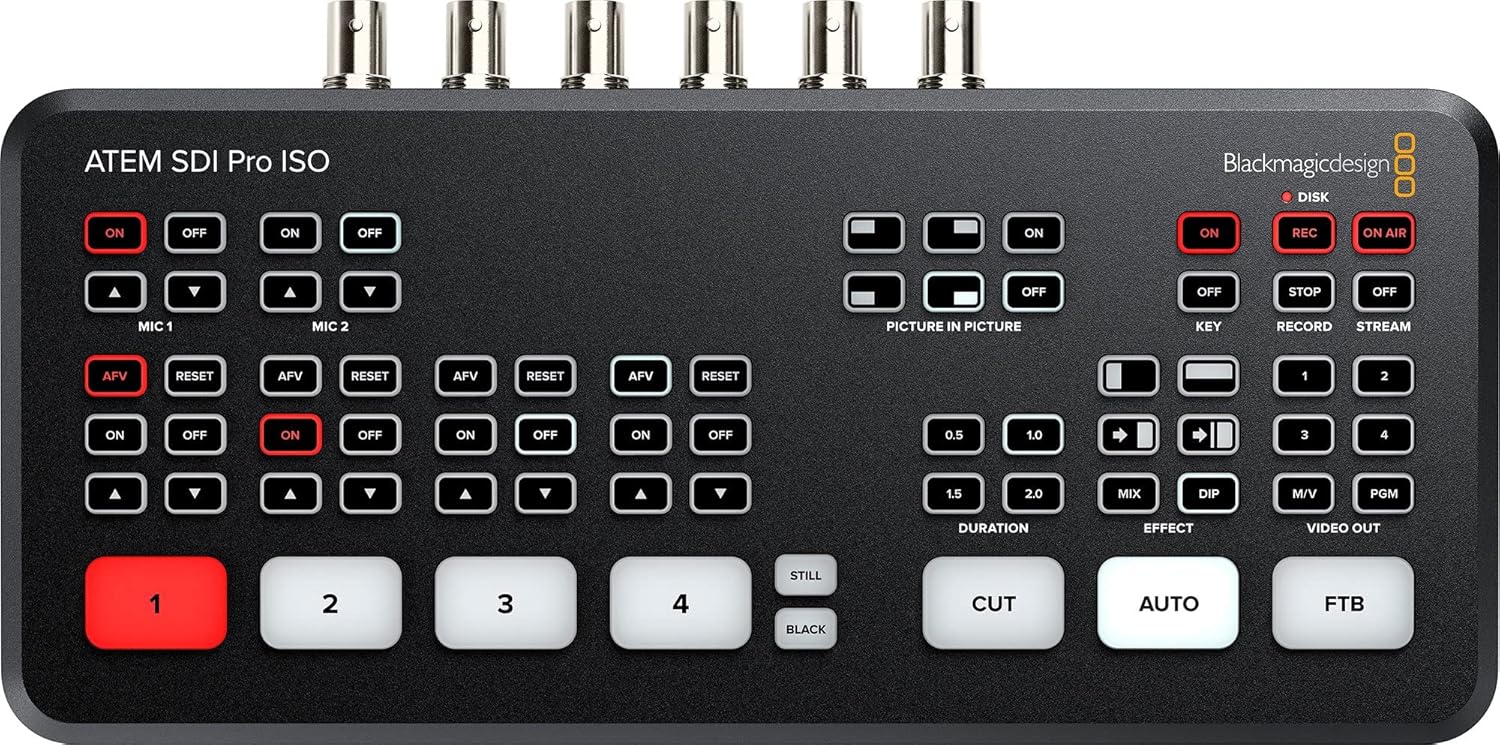
ATEM SDI Pro ISO
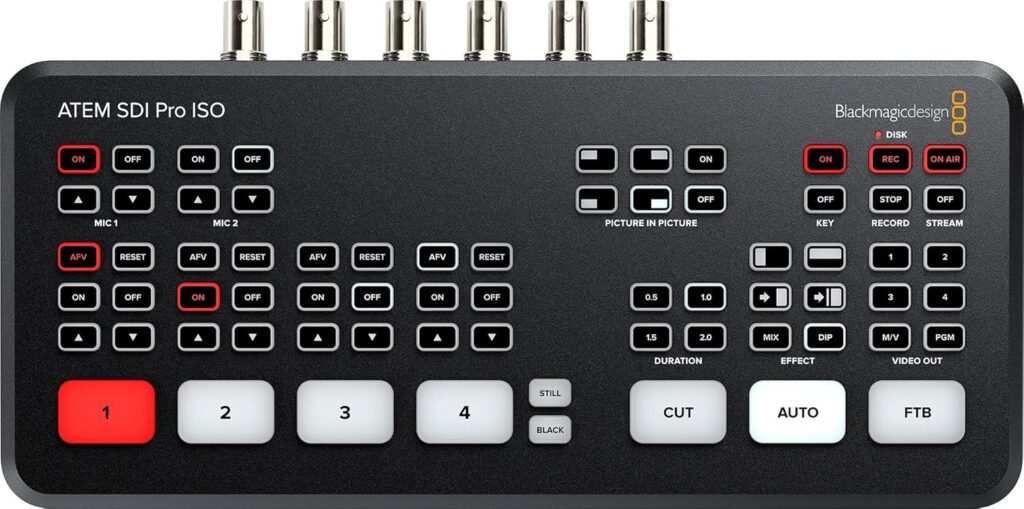
The ATEM SDI Pro ISO builds on the base model by adding built-in streaming and complete ISO recording — a major upgrade for churches storing weekly services, editing later, or improving post-production workflows.
Key Features
- 4 standards-converted 3G-SDI inputs
- Built-in hardware streaming directly to platforms like YouTube or Facebook
- ISO recording of all 4 inputs plus program to a USB-C drive
- USB-C webcam output for software-based streaming if desired
- 2 SDI outputs for program and aux feeds
- Multiview output with camera previews, audio meters, and status information
Best For
Small to mid-sized churches using up to four SDI cameras who want built-in streaming and easy multi-camera recording. Great for volunteer-run teams who want a “press go and stream” workflow without needing a separate streaming PC.
ATEM SDI Extreme ISO
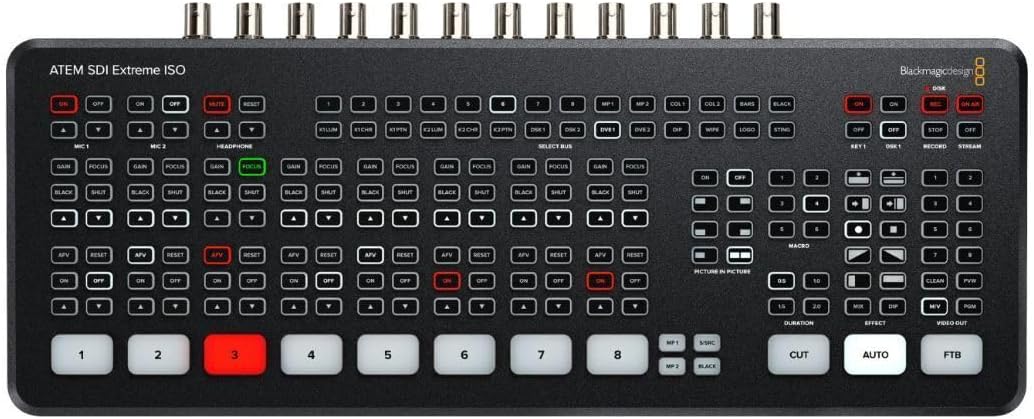
The ATEM SDI Extreme ISO is the most capable desktop switcher in the lineup. It expands camera inputs, adds more outputs, and includes advanced features like SuperSource — making it the best fit for multi-camera worship production.
Key Features
- 8 standards-converted 3G-SDI inputs for larger multi-camera setups
- 4 SDI outputs (including multiple aux outputs for custom routing)
- ISO recording of all 8 inputs plus the program feed (9 streams total)
- Two USB-C ports (for recording and webcam output at the same time)
- Built-in hardware streaming for direct-to-platform livestreaming
- Larger Multiview layout with up to 16 views
- SuperSource for multi-box layouts (lyrics, scripture, sermon notes, and camera shots together)
Best For
Growing churches running 4–8 SDI cameras, producing dynamic worship services, or needing separate SDI outputs for screens, overflow rooms, or a dedicated recording feed. Ideal for churches wanting broadcast-style flexibility in a desktop switcher.
ATEM SDI
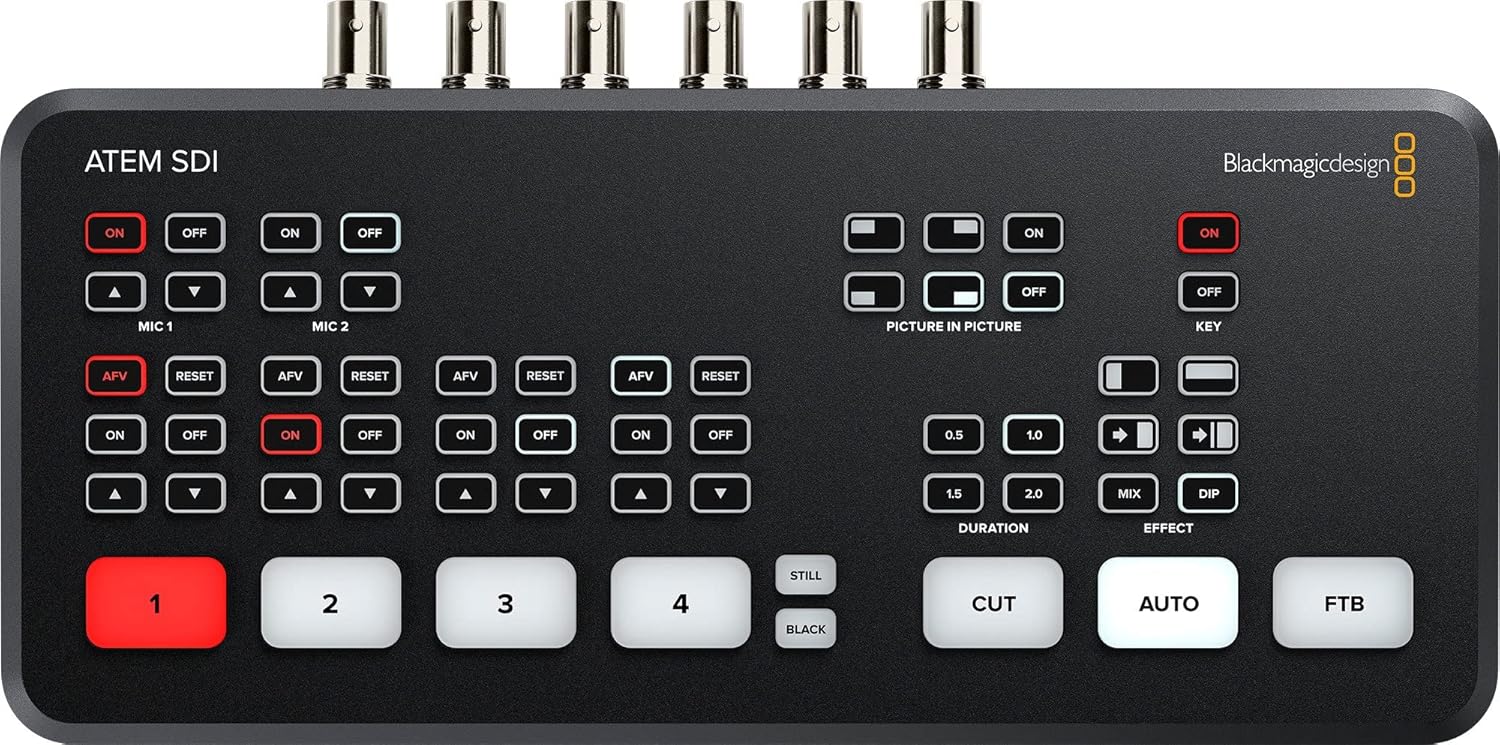
ATEM SDI Pro ISO
ATEM SDI Extreme ISO
ATEM SDI Comparison Table
| Feature | ATEM SDI | ATEM SDI Pro ISO | ATEM SDI Extreme ISO |
|---|---|---|---|
| SDI Inputs | 4 | 4 | 8 |
| SDI Outputs | 2 | 2 | 4 |
| ISO Recording | No | Yes (4 inputs + program) | Yes (8 inputs + program) |
| Built-in Streaming | No | Yes | Yes |
| USB Webcam Output | Yes | Yes | Yes (two USB-C ports) |
| Multiview | No | Yes | Yes (up to 16 views) |
| SuperSource | No | No | Yes |
| Best For | Small setups | Small–mid churches | Growing, multi-camera churches |
Which ATEM SDI Switcher Is Right for Your Church?
Choose ATEM SDI if:
- Your church uses 1–3 SDI cameras
- You stream using OBS, ProPresenter, or another computer-based encoder
- You want the simplest and most affordable SDI switcher
Choose ATEM SDI Pro ISO if:
- You want built-in streaming without relying on a separate PC
- You need ISO recording for editing sermons or worship later
- You use up to 4 SDI cameras and want a very volunteer-friendly workflow
Choose ATEM SDI Extreme ISO if:
- You use 4–8 SDI cameras
- You need multiple SDI outputs for screens, overflow rooms, or recording
- You want advanced layouts like SuperSource for scripture, lyrics, or picture-in-picture
- You’re building a more professional multi-camera livestream setup
Final Thoughts
For churches ready to move from HDMI to SDI, Blackmagic’s ATEM SDI switchers provide a reliable and scalable foundation. The ATEM SDI keeps things simple and affordable. The ATEM SDI Pro ISO adds powerful built-in recording and streaming. And the ATEM SDI Extreme ISO delivers the most flexibility for growing ministries with multi-camera services and separate outputs.
Whichever model you choose, upgrading to SDI helps create a cleaner, more stable livestream environment and gives your team confidence during worship each week.
Check out our related posts:
- The Ultimate ATEM HDMI Comparison: Mini Pro vs Pro ISO vs Extreme
- How to Download Blackmagic ATEM Switchers Software (Step-by-Step Guide)
This post may contain affiliate links. As an Amazon Associate, I earn from qualifying purchases.