Expanding Your Church Livestream System
As churches grow, so does the need for a more polished livestream—one that can capture worship, sermons, and audience reactions without needing multiple camera operators. This guide walks you through the best $5,000 PTZ livestream system for churches that want professional, broadcast-level production with easy volunteer operation and reliable SDI cabling.
This setup uses two PTZOptics Move SE 4K cameras, an ATEM Mini Pro ISO SDI switcher, and a PoE+ network switch, giving your team remote camera control, rock-solid video feeds, and a streamlined workflow any volunteer can handle.
What’s Included in This $5,000 System
- ATEM Mini Pro ISO SDI (SDI version)
- 2× PTZOptics Move SE 4K (20X Zoom) PTZ Cameras with SuperJoy Joystick Controller
- NETGEAR GS308EP PoE+ Network Switch
- 2× SDI Cables (100 ft each)
- Ethernet Cables (Cat 6/6a)
- 2× PTZ Wall Mounts
- CyberPower UPS
This forms a complete, install-ready PTZ livestreaming system suitable for mid-sized sanctuaries.
What Each Piece of Gear Does
Blackmagic
ATEM SDI Pro ISO
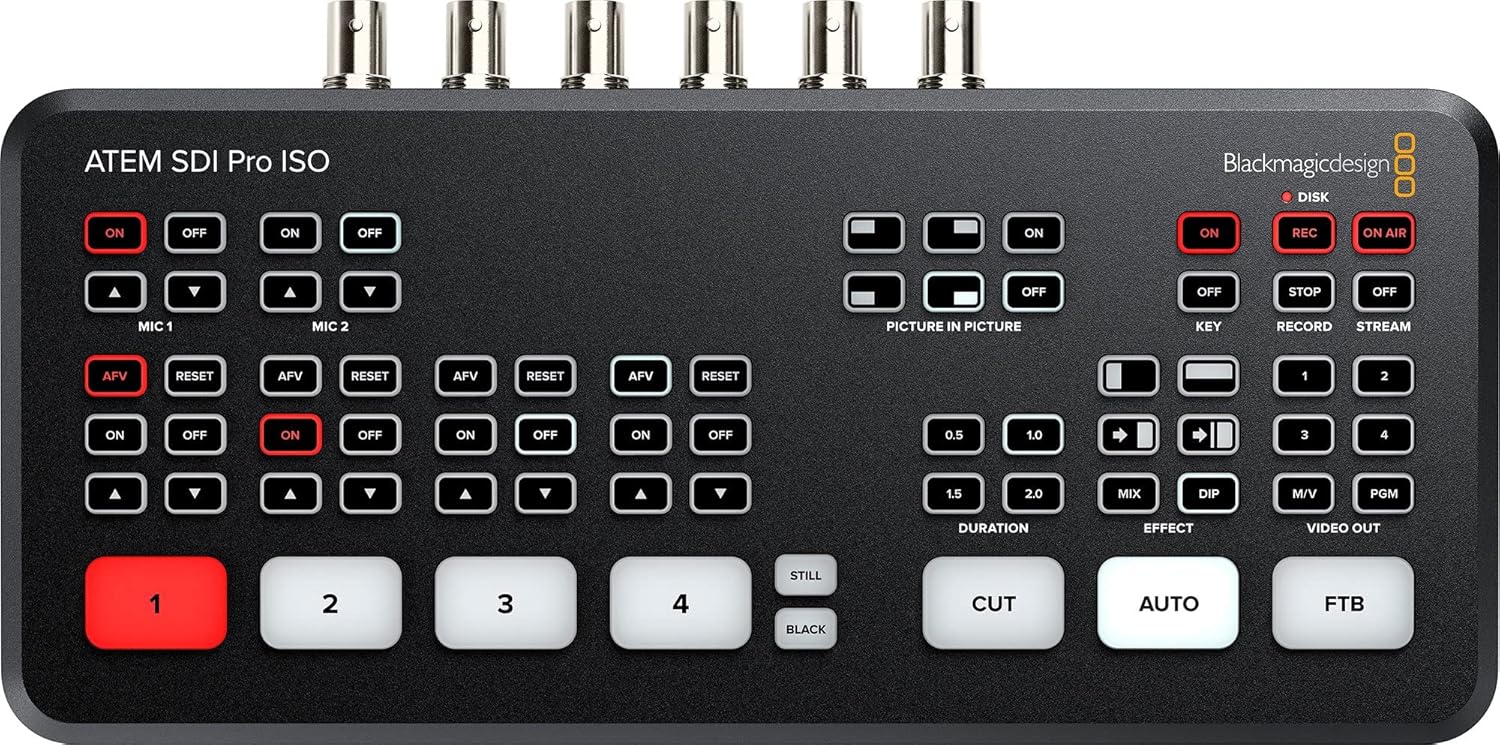
This is the heart of your video system. The SDI model allows long, reliable cable runs—perfect for balcony cameras or wall-mounted PTZ units. The built-in streaming engine lets you go live directly from the hardware without needing additional software. The ISO version can record multiple camera angles for post-production.
PTZOptics Move SE 4K (20X Zoom) (x2) with SuperJoy Controller
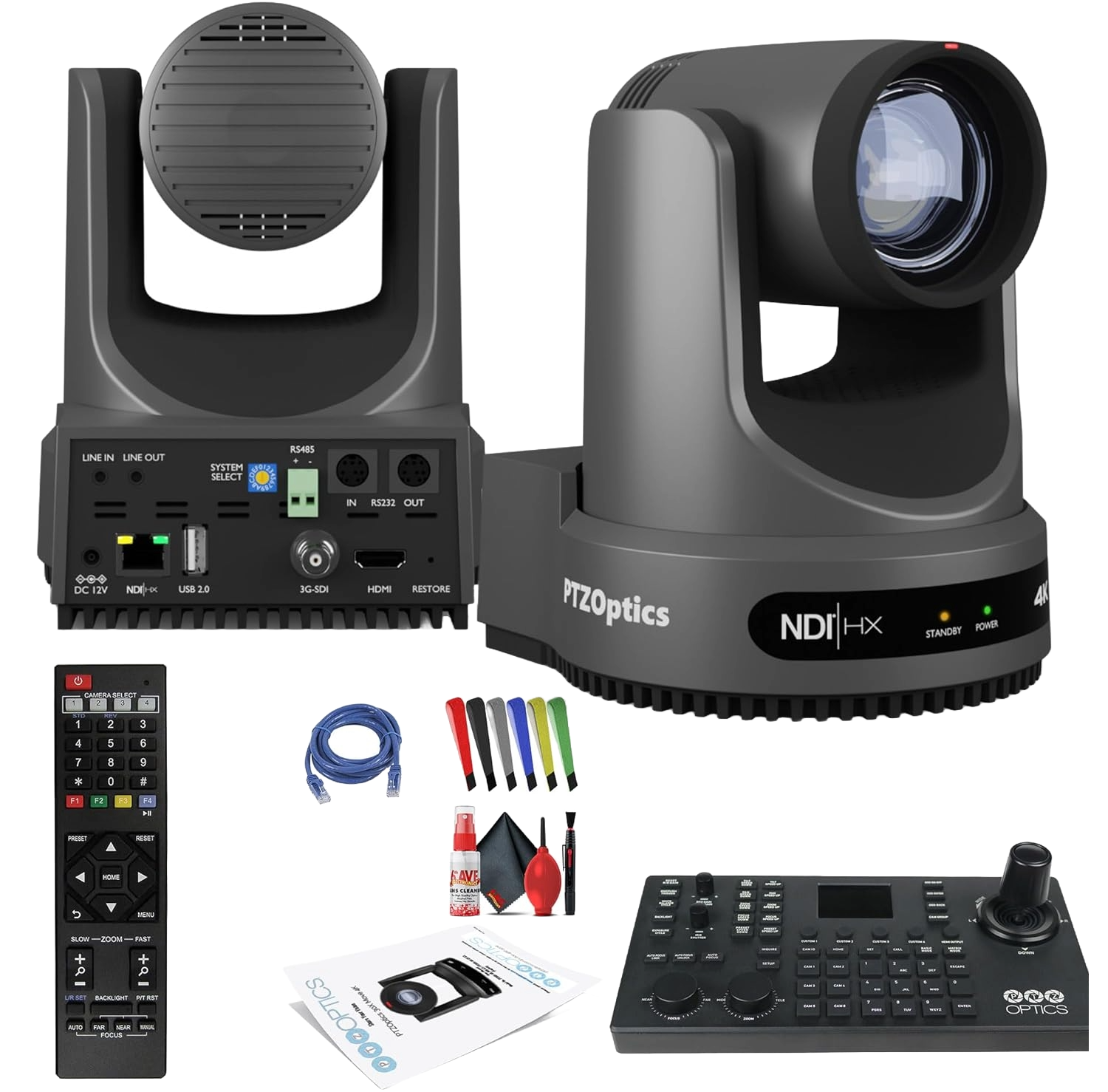
These PTZ cameras give you smooth pan/tilt/zoom control, strong low-light performance, and up to 20X optical zoom—ideal for framing sermons, worship, choir, and wide sanctuary shots. Both cameras can be controlled remotely, eliminating the need for volunteer camera operators.
This hardware joystick controller is what unlocks professional-level PTZ movement. Volunteers can easily recall presets, adjust zoom, or smoothly pan the cameras with intuitive joystick controls.
NETGEAR GS308EP PoE+ Switch
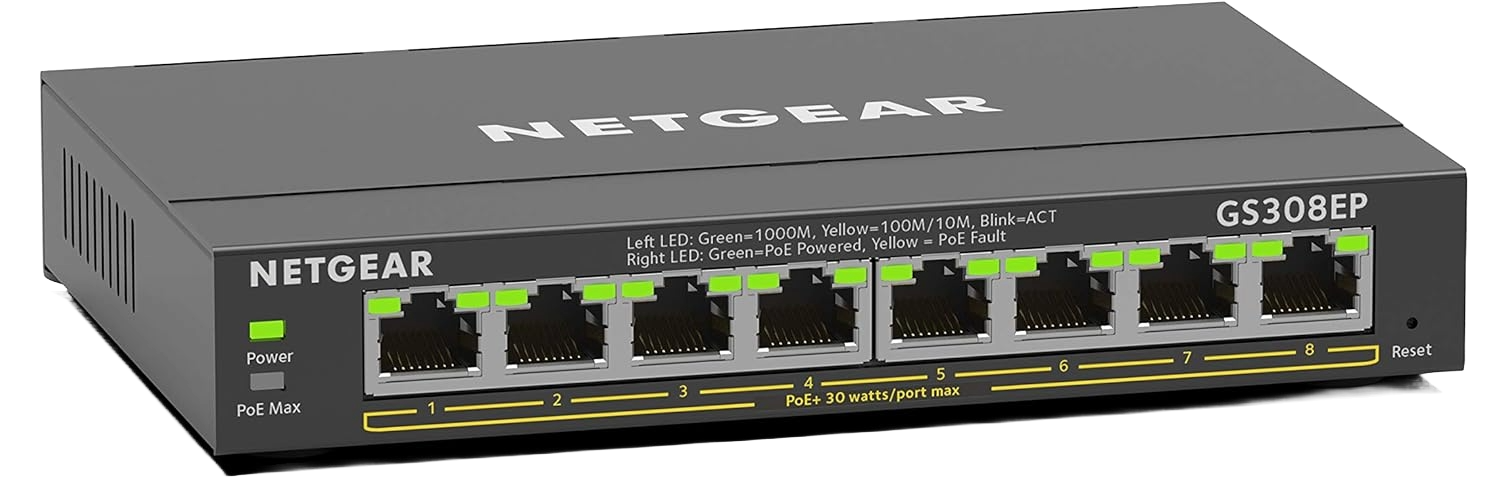
This PoE+ switch powers both PTZ cameras and handles network control, reducing cables and making installation cleaner. It also gives your controller and ATEM access to the cameras over the network.
SDI Cables
(100 ft)
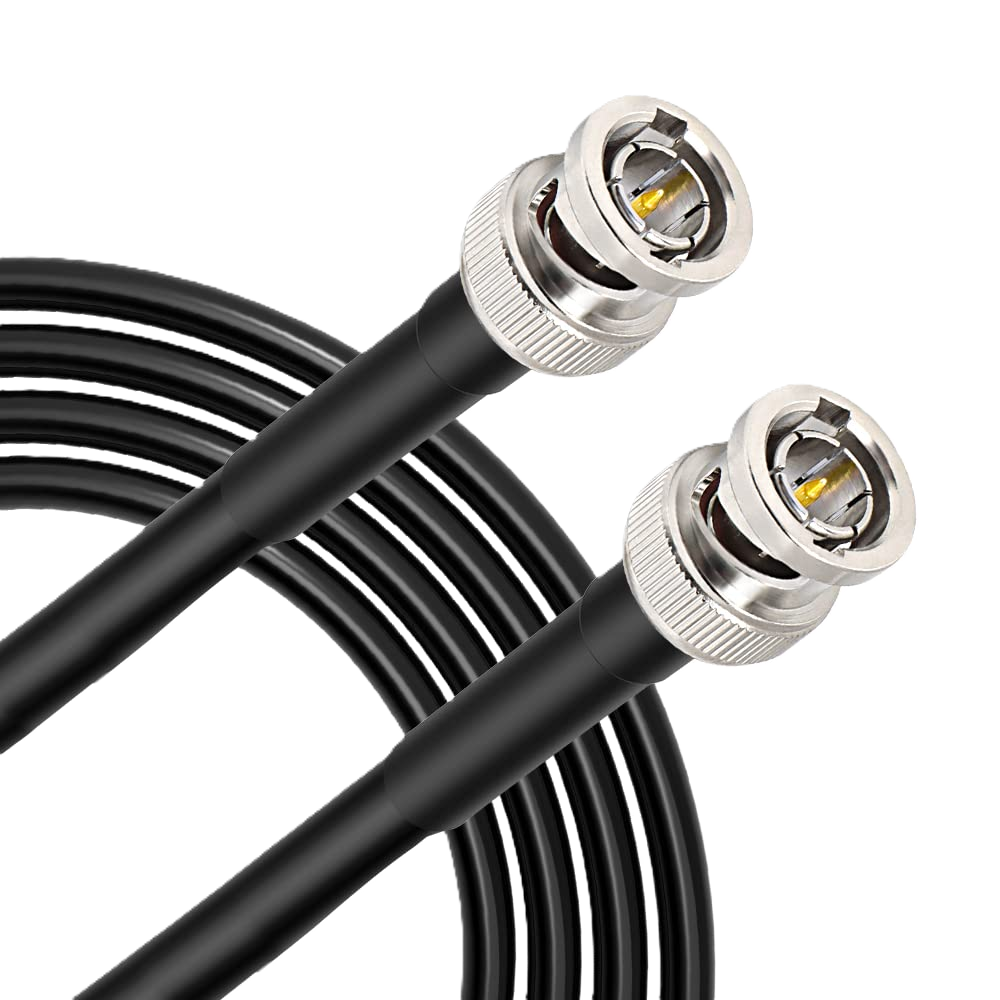
Long-distance, reliable video cabling from the cameras to the ATEM. SDI is far more stable than HDMI, especially in larger sanctuaries or where cables must run 50–100 feet. You will want to order one for each camera.
Ethernet Cables
(Cat 6/6a) (100 ft)
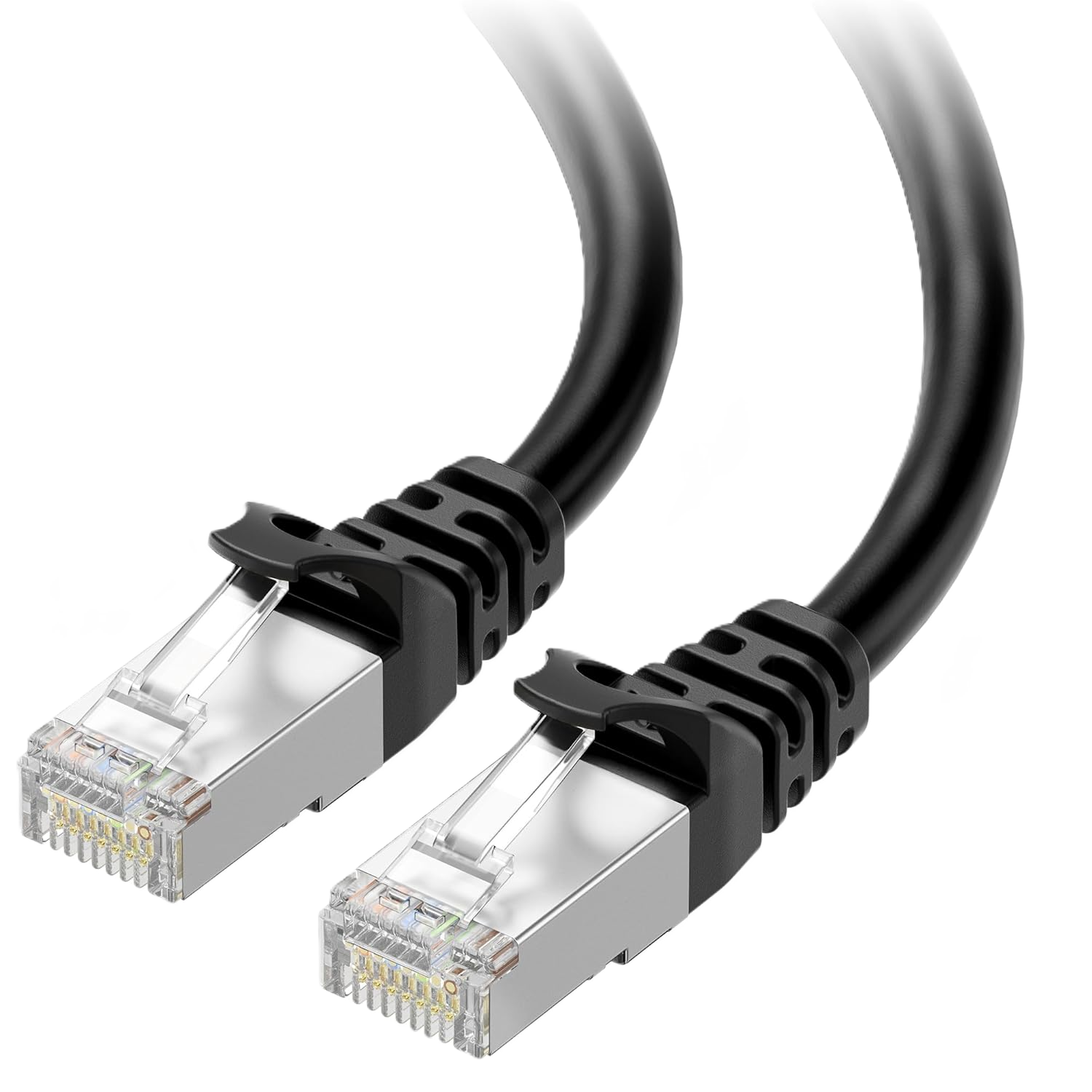
Connect the PTZ cameras and controller to the PoE+ switch for remote control and preset operation. You will want to order one for each camera, and shorter ones for your controller and any internet connections.
PTZOptics Wall Mounts
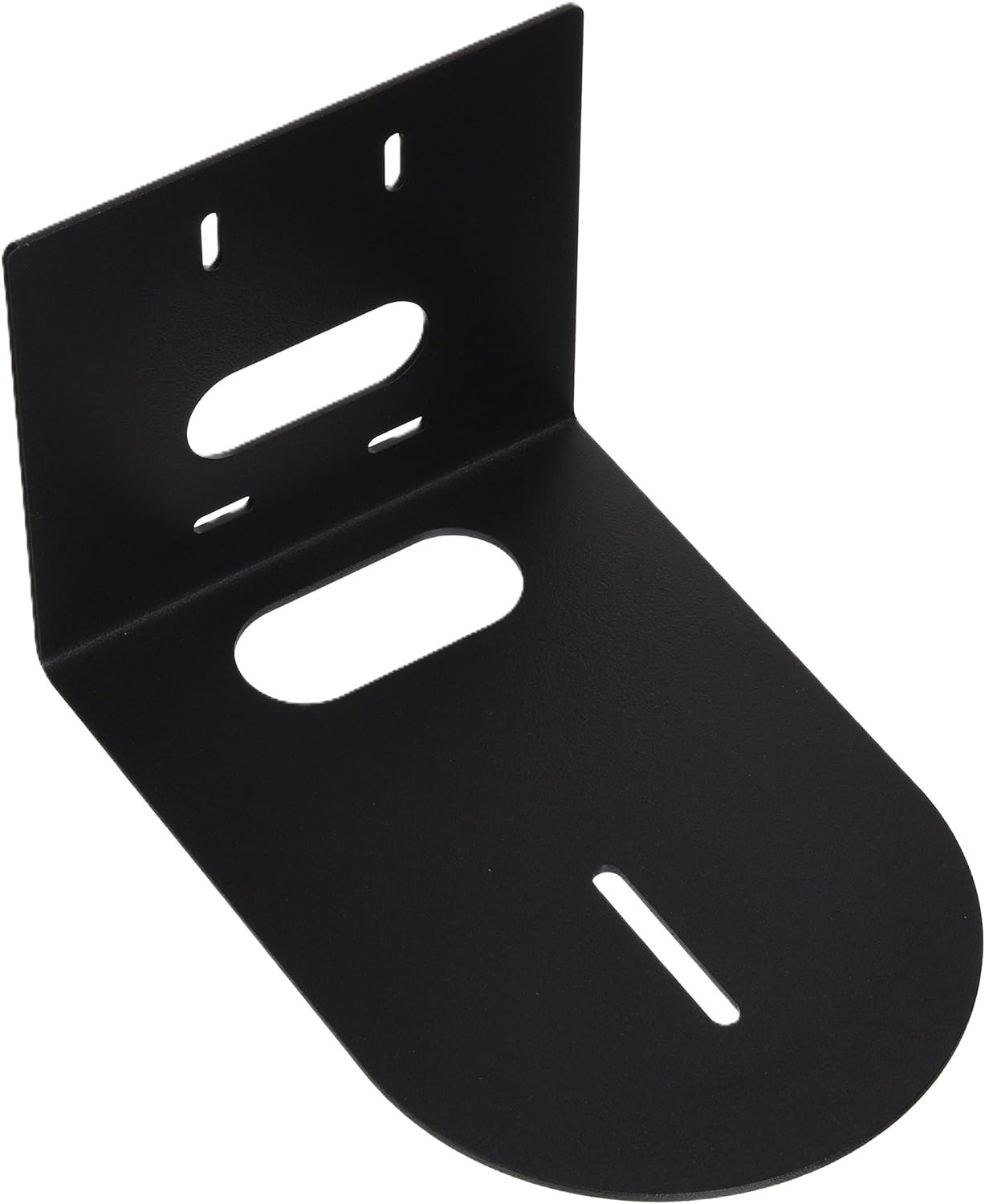
Secure mounting plates designed for PTZ cameras. These allow you to place cameras high on side walls, back walls, or balconies for the best angles. You will want one per camera, and be sure to check the colors of your cameras and wall mounts to make sure they match.
CyberPower UPS
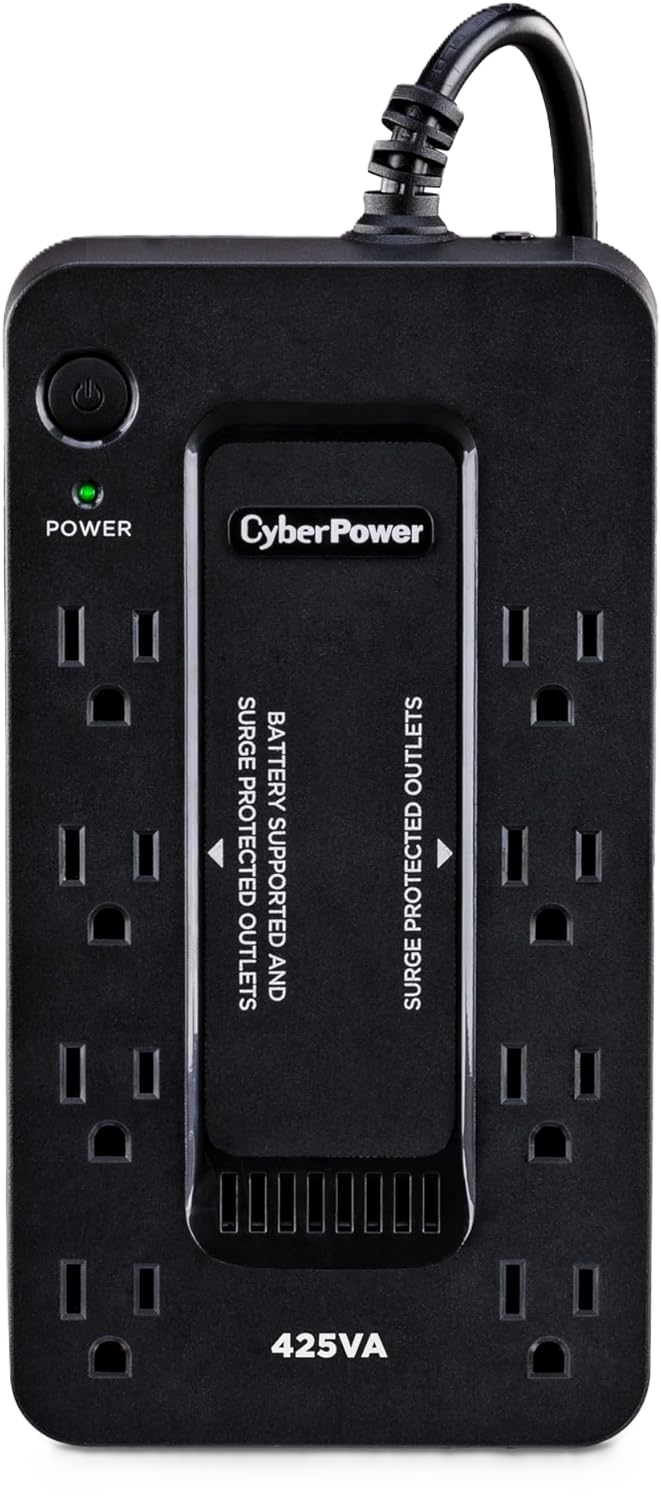
The CyberPower ST425 provides reliable battery backup and surge protection for your switcher, controller, and network gear, ensuring your livestream stays online even during brief power dips. Its compact size makes it easy to fit into any AV setup.
Why This Package Works
1. No Camera Operators Needed
Both PTZ cameras operate remotely via the SuperJoy controller. Volunteers can switch angles, zoom in, or recall presets with one hand.
2. SDI Cabling for Rock-Solid Reliability
SDI supports long cable runs without HDMI dropouts or signal noise. Ideal for installations in larger sanctuaries or where cables run through walls or ceilings.
3. Professional Multi-Camera Production
With two PTZ units, you can create:
- A wide sanctuary shot
- A tight sermon shot
- A musician/choir shot
- Audience cutaways
The result is a dynamic livestream comparable to mid-sized church productions.
4. PoE+ Power Simplifies Installation
Cameras get power and network control through a single Ethernet cable. No need for separate power supplies at the camera location.
5. Volunteers Can Run the Whole System
With the ATEM’s built-in streaming and the SuperJoy’s intuitive controls, the entire system can be operated by one volunteer with minimal training.
Who This Package Is For (and Not For)
Ideal For:
- Churches seating 150–500 people
- Sanctuaries that need cameras mounted far from the stage
- Churches wanting multi-camera production without camera operators
- Churches upgrading from HDMI or tripod-based systems
- Medium-sized volunteer-run AV teams
Not Ideal For:
- Very small churches with limited budgets
- Churches with no room to mount cameras
- Churches wanting handheld, cinematic movement
- Churches needing > 3 PTZ cameras (you’d move into the $8,000–$12,000 tier)
How to Set Up the System (High-Level Overview)
1. Install and mount the PTZ cameras
Place one camera in the back for a main sermon shot and one on a side wall or balcony for a creative angle. Secure each using PTZ wall mounts.
2. Run SDI from each camera to the ATEM
Use 50–100 ft SDI cables for long, stable video runs.
3. Connect all devices to the PoE+ switch
- PTZ cameras → PoE+ ports
- SuperJoy controller → LAN port
- ATEM → network (optional for control and multiview setup)
PoE+ powers the cameras without separate wall adapters.
4. Configure camera control
Use the SuperJoy to set:
- Presets (sermon, worship, wide, audience)
- Control speed
- Zoom limits
5. Stream directly from the ATEM Mini Pro ISO SDI
Enter your streaming key, connect Ethernet, and press ON AIR.
6. Test each camera angle
Verify focus, exposure, and framing before going live.
Sunday-Morning Volunteer Checklist
Before Service
- Turn on ATEM, SuperJoy, and PoE+ switch
- Recall camera presets
- Check SDI feeds into ATEM
- Verify audio from the mixer
- Test streaming connection
- Clean camera lenses
- Frame and confirm key shots
During Service
- Switch between presets and angles as needed
- Monitor audio levels
- Watch multiview for exposure and focus
- Start and stop streaming from the ATEM
After Service
- Press OFF AIR
- Power down the system
- Reset cameras to home preset
- Coil loose cables (if temporary setup)
Recommended Upgrade Path
Upgrade 1: Add a third PTZ camera
Great for additional worship or audience angles.
Upgrade 2: Move to an ATEM Television Studio HD / HD8
More SDI inputs, program/preview buses, better scalability.
Upgrade 3: Add dedicated lighting
Key lights dramatically improve camera image quality.
Upgrade 4: Add confidence monitors
Useful for pastors, worship leaders, and on-stage guests.
Upgrade 5: Add an audio breakout or DI solution
Clean up audio routing for livestream-specific mixes.
Final Thoughts
This $5,000 PTZ livestream system brings professional, multi-camera production to medium-sized churches without requiring a team of camera operators. With SDI stability, PoE+ power, intuitive PTZ control, and hardware streaming via the ATEM Mini Pro ISO SDI, this setup is ideal for ministries ready to elevate their livestream to a broadcast-quality level.
Check out our related posts:
- Best Church Livestream Setup for $1,000 (Complete Guide)
- ATEM Mini for Churches: Complete 2025 Setup Guide
- PTZ Cameras for Churches: Complete 2025 Setup & Best Practices Guide
This post may contain affiliate links. As an Amazon Associate, I earn from qualifying purchases.