
Top Picks: Best Hard Drives for Church Livestreams
Recording your church livestream is one of the easiest ways to preserve sermons, share them later, or repurpose them for social media and outreach. Whether you’re streaming through software like OBS or using a dedicated hardware switcher, having a reliable recording setup ensures your content is safe and accessible.
Many popular switchers — including the Blackmagic ATEM Mini Pro, ATEM Mini Pro ISO, and ATEM Mini Extreme — make recording simple by allowing you to plug a drive directly into their USB-C port. From there, your livestream can be recorded in real time without the need for extra computers or complex setups. But with so many drives available, how do you know which one to choose?
What to Look for in a Recording Drive
When choosing a drive for church livestreams, the main priorities are capacity, reliability, and speed.
- Capacity: Most churches can comfortably record a full HD livestream each week using drives between 1 TB and 5 TB. A one-hour 1080p stream typically takes up between 10–20 GB depending on bitrate.
- Speed: Look for 5400–7200 RPM traditional drives or solid-state drives (SSDs) if you need faster transfer speeds.
- Connection type: Drives with USB-C or USB 3.0 provide smoother recording and playback, especially when used with switchers like the ATEM Mini.
- Durability: Church volunteers often plug and unplug gear frequently, so choose drives built for mobility and frequent handling.
- Compatibility: Make sure your drive can be formatted as exFAT or HFS+, which are supported by Blackmagic ATEM switchers and most recording computers.
Recommended External Drives for
Church Livestreams
WD My Passport 2TB Portable External Hard Drive
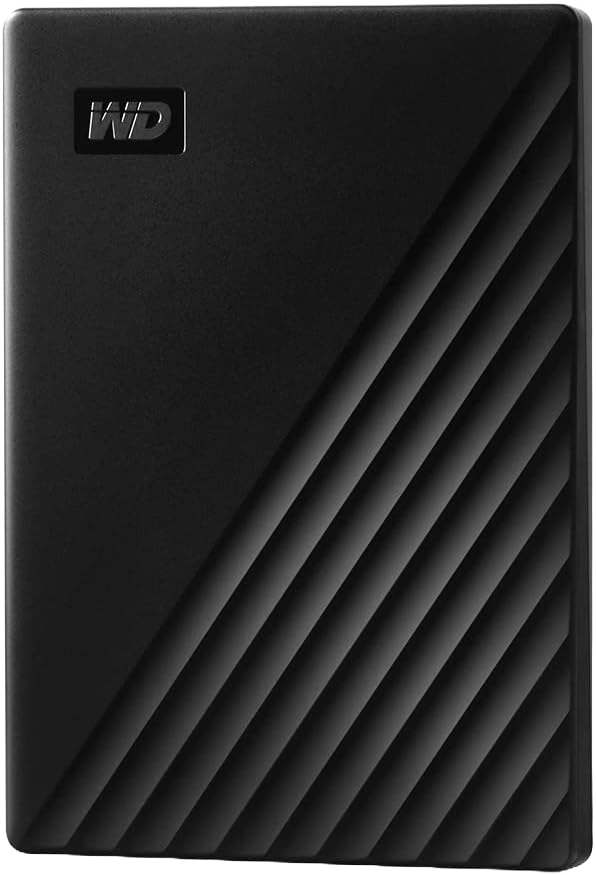
This drive is one of the most reliable options for churches using the ATEM Mini line. It’s compact, affordable, and available in capacities up to 5 TB. Simply connect it via USB-C, and your ATEM Mini Pro or Mini Extreme can record directly to it. The WD My Passport also includes built-in backup software, making it easy to organize recordings by date or event.
WD Elements 4TB
Portable Drive
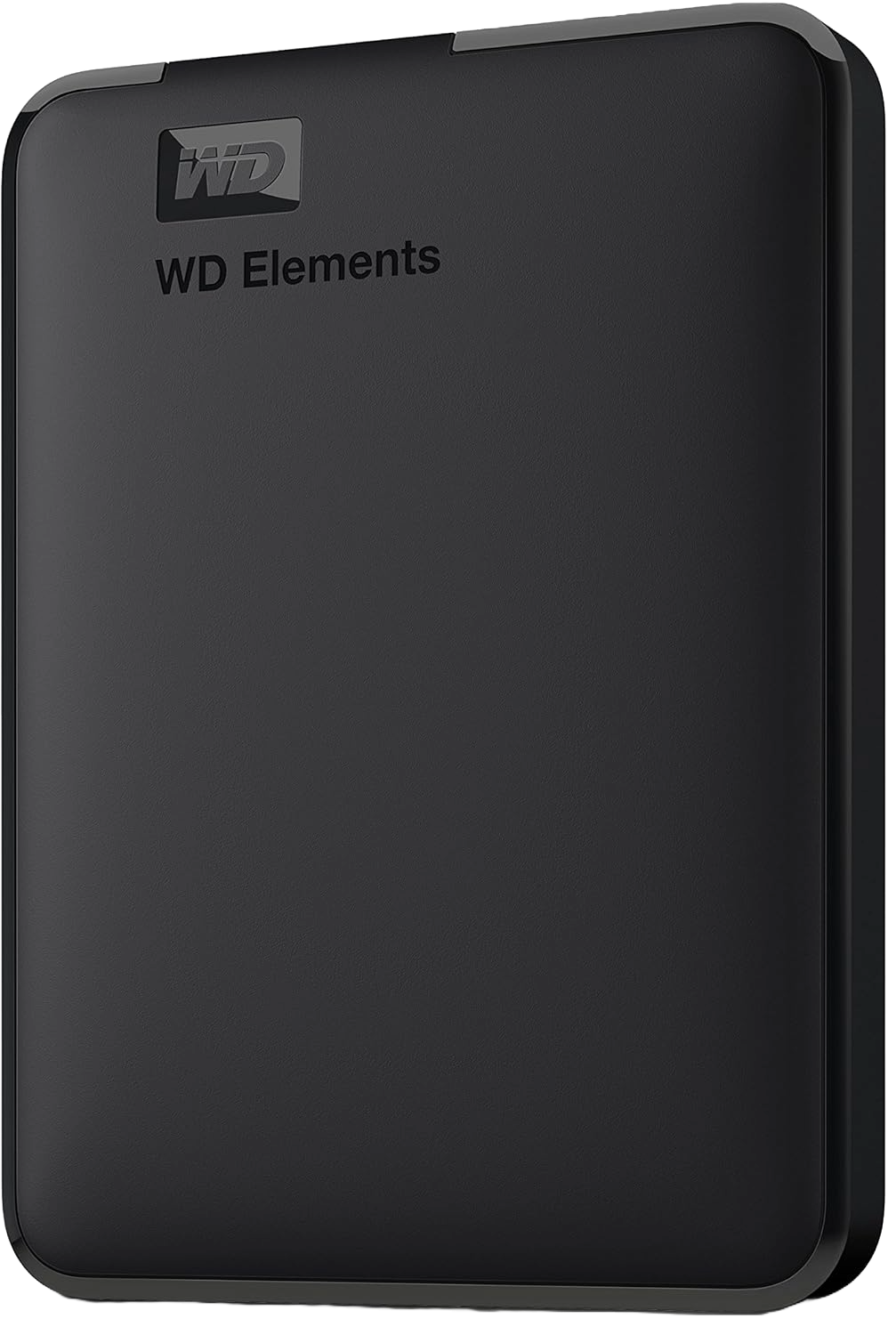
For churches recording multiple weekly services or longer events, the WD Elements line offers excellent capacity and performance. It’s plug-and-play, durable, and great for extended recording sessions. A 4TB drive can easily store months of full HD services, giving you plenty of room before you ever need to offload or archive content.
SanDisk Extreme Portable SSD (2TB)
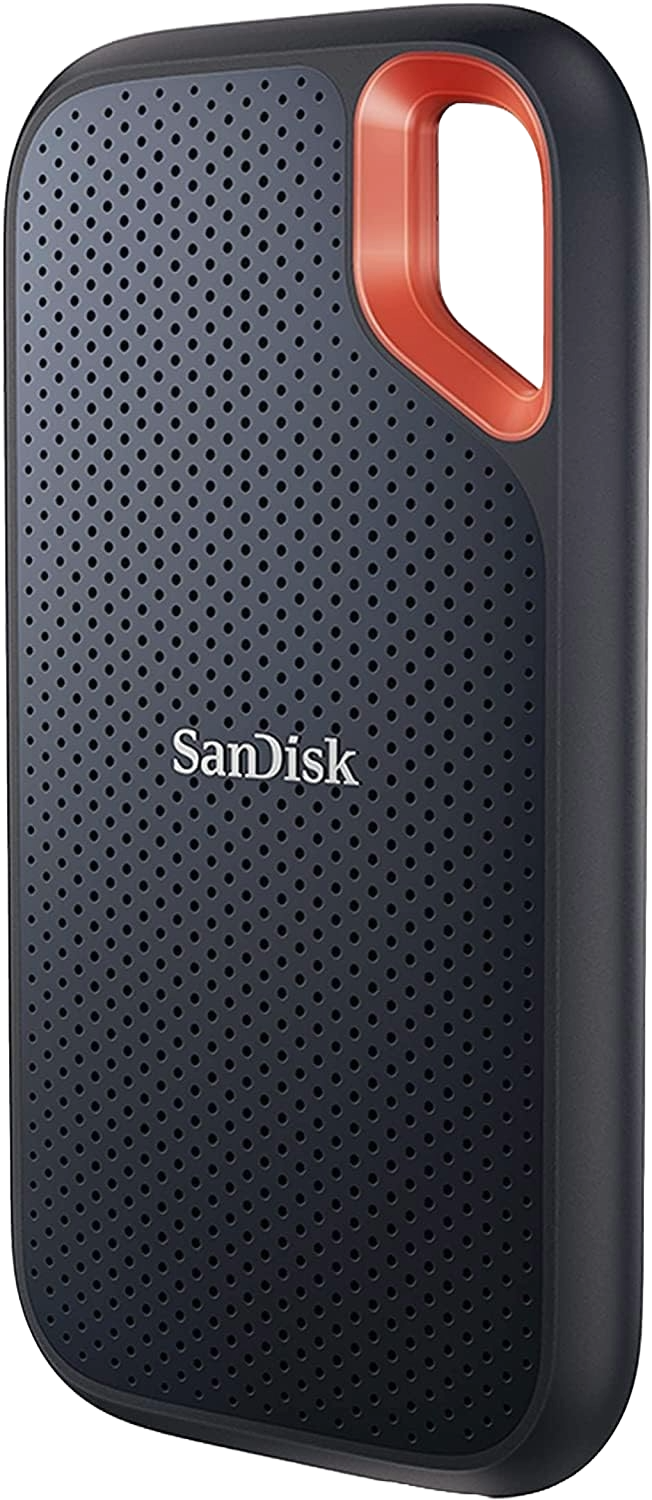
If you regularly move files between computers or need faster transfers for editing, this SSD is a fantastic option. It’s rugged, shock-resistant, and roughly four times faster than traditional hard drives. While more expensive per gigabyte, it’s ideal for media teams who edit video directly from the drive or handle files on the go.
Backup and Storage Tips
Even the best hard drives can fail over time — which makes backup strategy just as important as choosing the right device.
- Use two drives: Record to one and back up to another weekly. Label each clearly by date or month.
- Rotate drives: This helps spread wear evenly and keeps a recent backup safe.
- Consider cloud backup: For archiving older sermons, cloud services like Google Drive or Dropbox provide long-term protection and easy sharing.
- For larger churches: If you’re managing multiple services or campuses, a RAID array or NAS system (such as the WD My Cloud EX2 Ultra) can add redundancy and shared access for editing teams.
Final Thoughts
For most churches, external hard drives between 1 TB and 5 TB strike the perfect balance of storage, affordability, and reliability. Western Digital and SanDisk continue to be trusted options that work seamlessly with popular switchers like the Blackmagic ATEM Mini Pro, which can record directly to a connected USB-C drive.
By investing in the right recording drives and a solid backup routine, your church can easily capture, store, and share every message — ensuring your ministry reaches people long after the livestream ends.
Check out our related posts:
- How to Download Blackmagic ATEM Switchers Software (Step-by-Step Guide)
- Best Entry-Level Video Switchers for Churches
This post may contain affiliate links. As an Amazon Associate, I earn from qualifying purchases.