
SDI-to-HDMI Converters
If you are using an SDI production system but have an HDMI monitor, you will need an SDI-to-HDMI converter so the monitor can receive the signal.
First, let’s answer the obvious questions; what is SDI and what is HDMI?
SDI (Serial Digital Interface) is a professional video standard designed to transmit uncompressed video signals over coaxial cables, making it ideal for broadcast and live production environments.
HDMI (High-Definition Multimedia Interface), on the other hand, is commonly used in consumer and prosumer equipment like TVs, cameras, and computers. While both carry high-quality video, SDI cables can transmit signals over much longer distances than HDMI, which is why SDI is preferred for professional or large-scale setups.
If you’re using a video switcher like the Blackmagic ATEM SDI, you’re likely already familiar with SDI connections and their reliability in professional video setups. However, because the ATEM SDI outputs video exclusively through SDI ports, connecting it directly to a standard display or monitor can be an issue—most consumer monitors only support HDMI inputs. In this case, an SDI-to-HDMI converter is essential. It bridges the gap between professional broadcast gear and everyday displays, allowing you to monitor your video feed easily without compromising signal quality. But which SDI-to-HDMI converter is best?
Blackmagic Design UpDownCross HD
AJA Hi5-Plus 3G-SDI to HDMI
DECIMATOR MD-Cross
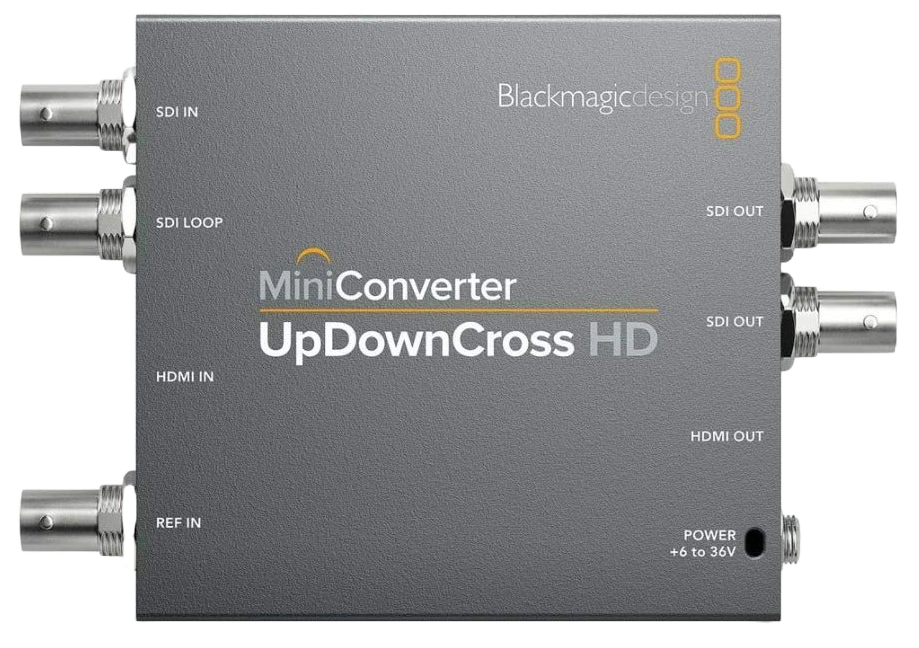
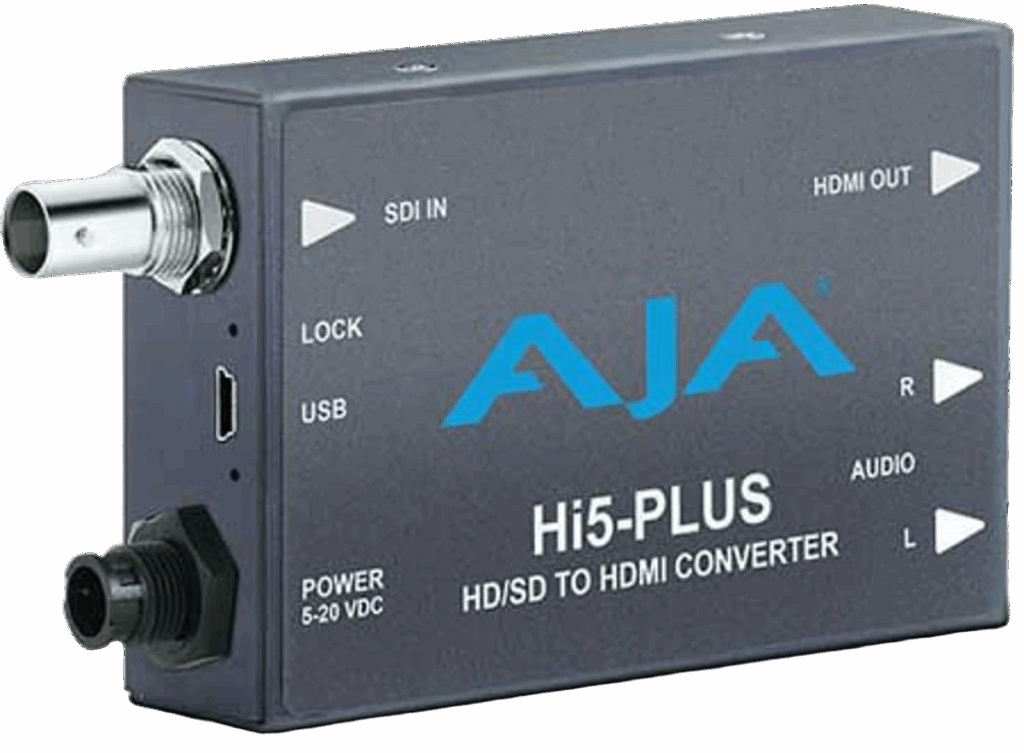
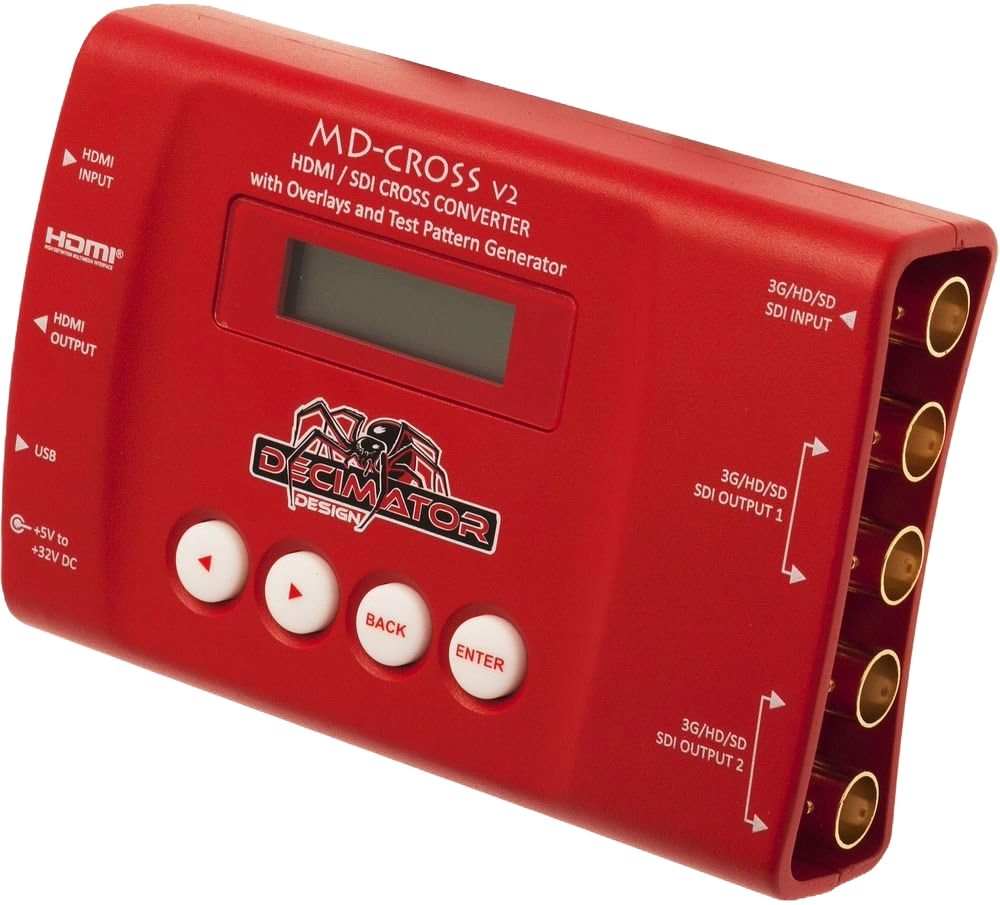
Comparison Table
Below, we’ve compared these three different SDI-to-HDMI converters, outlining the key pros and cons of each to help you choose the right one for your specific setup. Each converter offers unique advantages in terms of signal quality, reliability, and connectivity, so understanding your equipment and workflow needs will make it easier to determine which model best fits your production environment.
| Feature | Blackmagic Design UpDownCrossHD | AJA Hi5-Plus 3G-SDI to HDMI | DECIMATOR MD-Cross |
| Main Purpose | Converts between SDI and HDMI and can adjust video format (up, down, or cross-convert). | Sends video from SDI sources (like cameras or switchers) to HDMI displays or TVs. | Converts both directions — HDMI ↔ SDI — and can also change resolution or frame rate. |
| Ease of Use | Simple plug-and-play setup, minimal menus. | Very straightforward — just connect SDI in and HDMI out. | Slightly more advanced menus but still user-friendly once configured. |
| Best Use in Churches | Great for connecting older or mixed equipment (projectors, cameras, or switchers). | Perfect for viewing your SDI feed on a regular HDMI TV or monitor. | Ideal for churches with both HDMI and SDI gear that need flexibility or travel setups. |
| Extra Features | Handles format conversion automatically; supports reference sync. | High-quality color output and reliable audio transfer. | Includes test patterns, scaling, and signal monitoring options. |
| Limitations | Doesn’t support 4K; designed for HD use. | Works one-way only (SDI → HDMI). | More features mean slightly higher learning curve. |
Final Thoughts
So which of these converters is truly the best? The answer depends on your specific setup and what type of gear you’re connecting. For most church video systems, the Blackmagic Design UpDownCross HD stands out as the most balanced option—it’s affordable, reliable, and versatile enough to handle both HDMI and SDI connections while automatically adjusting formats when needed. Its simplicity makes it great for volunteer teams, though it’s limited to HD resolutions. The AJA Hi5-Plus offers exceptional image quality and color accuracy, perfect for connecting SDI outputs to HDMI displays, but it only works in one direction. Meanwhile, the Decimator MD-Cross V2 is the most flexible, offering full bidirectional conversion, scaling, and signal monitoring, making it ideal for more advanced setups—but it does come with a slightly steeper learning curve. Ultimately, choosing the right converter comes down to balancing features, ease of use, and your church’s production goals.
Check out our related posts:
- How to Connect a PTZ Camera to an ATEM Mini Using SDI Converters
- How to Fix SDI to HDMI Converter No Signal Issues
This post may contain affiliate links. As an Amazon Associate, I earn from qualifying purchases.