
Simplifying Graphics with XPression
For larger churches running multi-camera productions, LED walls, IMAG, and multi-campus livestreams, creating clean and consistent graphics is essential. Simplifying graphics with XPression in Ross Graphite gives your team broadcast-quality visuals while still remaining approachable for volunteers. Whether you have a full mid-week rehearsal workflow or rely on trained volunteers on Sundays, XPression’s real-time graphics engine helps your visuals look polished, stable, and professional—without slowing down your team.
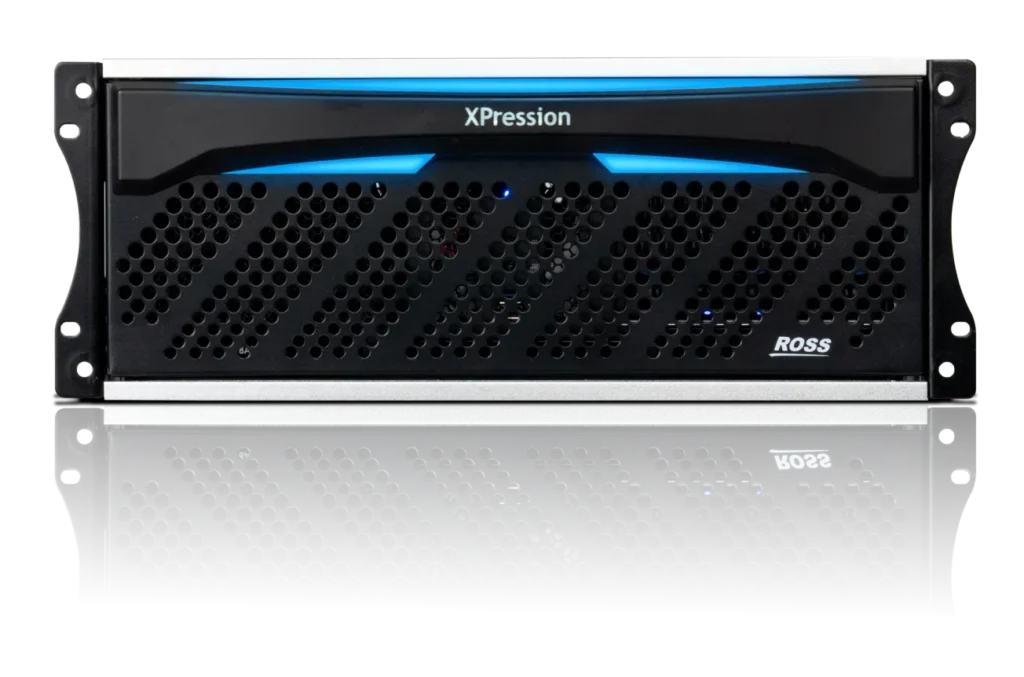
What XPression Is
Ross XPression is a professional real-time graphics system used across broadcast, sports, and live events. In plain language, it’s the tool that generates:
- Lower thirds
- Song lyrics
- Animated sermon titles
- Announcement graphics
- Motion backgrounds
- Series and branding packages
- Overlays for livestream, IMAG, and LED walls
Inside Ross Graphite, XPression is integrated directly into the all-in-one system alongside the switcher, clip server, and audio mixer. Graphite houses these components in a single 4RU chassis, giving your church one unified production system instead of separate boxes.
Why Larger Churches Use XPression for Graphics
Larger churches typically need more than simple text over video. They often want:
- Consistent branding across multiple campuses
- Animated and motion-based graphics
- Separate looks for IMAG, livestream, and LED walls
- High reliability during live services
- Templates that volunteers can trigger without building graphics from scratch
XPression’s engine supports real-time 2D and 3D graphics with virtually unlimited layering on a single channel, so titles, bugs, and overlays animate smoothly without pre-rendering.
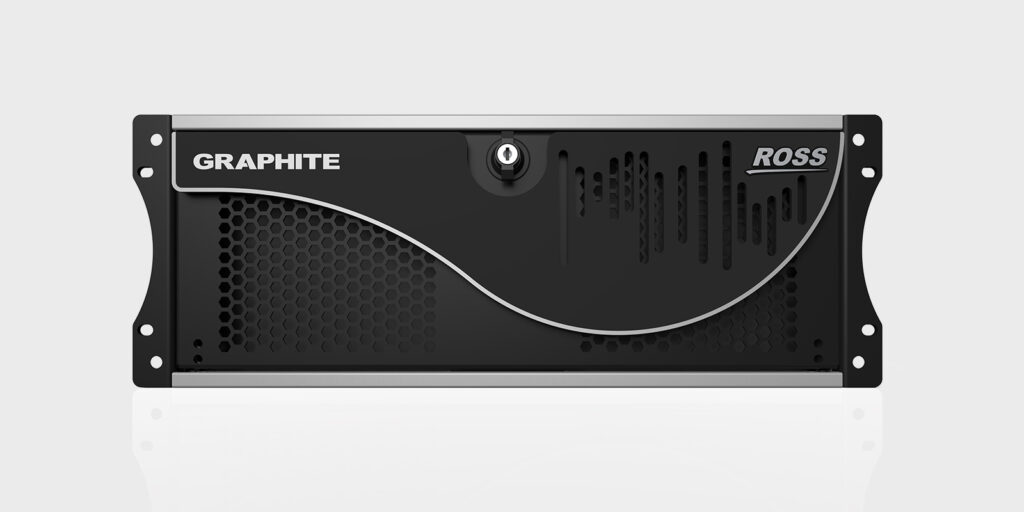
XPression Inside Ross Graphite: Why It Matters
Ross Graphite is an all-in-one system that includes:
- A Carbonite-class production switcher
- An XPression graphics engine
- An XPression Clips clip server
- The RAVE audio mixer
Because XPression is built into Graphite, you get:
- Tight integration with switcher transitions and keyers
- Automatic key/fill handling for graphics
- Coordinated timing between graphics and video cuts
- Fewer external devices and cables to manage
- A single, unified ecosystem that your team can learn and trust
This matters on Sunday morning when timing, reliability, and simplicity are critical.
Church-Friendly Features in XPression (v12.x and Newer)
1. Template-Driven Graphics
Your media team can build graphics templates during the week—lower-thirds, sermon notes, lyric looks—so volunteers only need to:
- Select a template
- Fill in text (speaker name, title, verse reference, etc.)
- Press “Take” to put it on-air
XPression supports template-based workflows and sequencers, making graphics recall more like following a rundown than building each element live.
2. Real-Time 2D and 3D Graphics
XPression can render both 2D and 3D elements in real time, including:
- 3D text and logos
- Animated lower thirds
- Layered backgrounds and effects
For a modern broadcast look, you can incorporate subtle motion and depth without forcing volunteers to manage complex timelines mid-service.
3. Multi-Output Support in a Broadcast Environment
Graphite systems provide multiple SDI and HDMI outputs and support custom resolutions (such as for DVI/LED), while XPression graphics can be keyed wherever needed in the program chain.
That means your production can support:
- IMAG graphics on in-room projectors
- Branded overlays on your livestream program feed
- Graphics suitable for LED walls or side screens
Your technical director and graphics operator work within one system to keep everything synchronized.
4. Data-Driven and Centralized Graphics
XPression can connect to external data sources (through tools like DataLinq and related options) so repeated information—events, names, or schedule-driven content—can be updated centrally and pulled into templates.
For larger churches, that means:
- Less manual typing for repeated elements
- Fewer spelling mistakes
- Faster changes when details shift close to service time
5. Clip Playback and Motion Graphics
Graphite includes XPression Clips, giving you two real-time clip playback channels and an ingest channel for recording and managing clips.
You can use this for:
- Motion backgrounds under lyrics or titles
- Bumper videos and series openers
- Announcement loops before and after the service
Since it’s all part of the same Graphite platform, clips and graphics play nicely together.
6. Recent Improvements in XPression v12.0
Recent XPression releases (such as version 12.0, October 2024) focus on stability and workflow enhancements, including:
- Output rendering that stays stable when displays are connected/disconnected
- More detailed clip information and improved ClipStore search
- Better handling of color space information for HDR-aware clips in the Sequencer
- Performance improvements for preparing and cueing clip-based items
These updates help keep complex productions smooth, especially in environments with multiple screens and remote storage.
How XPression Simplifies Volunteer Workflows
Even though XPression is powerful, it can be made very volunteer-friendly when configured well.
1. Templates Instead of Manual Builds
Your design team builds the look once; volunteers just select and play items from the Sequencer or custom DashBoard panels.
2. One-Button Graphic Triggers
With Graphite and DashBoard, you can design “one-button” workflows:
- A single button that takes in a lower third
- A macro that rolls a bumper and brings up a title
- Simplified control surfaces for specific roles
3. No Rendering Delays
Because XPression is a real-time engine, animations and transitions play back instantly—no waiting on pre-rendered files.
4. Consistency Across Services and Campuses
Once templates are built and projects are standardized, every service—whether at the main campus or a remote location—can share the same graphics package. That consistency reinforces your church’s branding and reduces week-to-week setup time.
Feature Summary Table: XPression in Ross Graphite
| Feature | Why It Matters for Churches |
|---|---|
| Real-Time Graphics Engine | Broadcast-level 2D/3D graphics and smooth animations |
| Template & Sequencer Workflow | Volunteers trigger pre-built graphics easily |
| Integrated Clip Server (XPression Clips) | Motion backgrounds, bumpers, loops in the same system |
| Multi-Output Production Environment | Serve IMAG, livestream, and LED needs from one platform |
| Data-Linked Graphics Options | Centralize recurring info and reduce manual entry |
| Unified System (Switcher + Graphics + Audio) | Fewer boxes, simpler training, and tighter integration |
| Recent v12.0 Enhancements | Improved output stability, clip workflows, and HDR-aware handling |
Final Thoughts
Simplifying graphics with XPression in Ross Graphite gives larger churches the power, flexibility, and polish of a broadcast-grade graphics system while keeping Sunday workflows manageable for trained volunteers. With template-driven designs, real-time rendering, integrated clips, and tight switcher and audio integration, XPression helps your ministry deliver consistent, professional visuals across campuses and platforms. If your church has outgrown entry-level systems and is ready for a unified, scalable graphics solution, Ross Graphite with XPression is a compelling step forward.
Check out our related posts:
- Getting Started with the Ross Graphite: A Church-Friendly Overview
- Inside the Ross Carbonite Ultra 60: Is It Worth the Upgrade for Churches?
This post may contain affiliate links. As an Amazon Associate, I earn from qualifying purchases.