
HDMI Capture Cards
If your church is comparing simple one-camera streaming options, our HDMI Capture Card Comparison for Churches will help you understand what you really need. Many smaller ministries stream with a single camera and a laptop using OBS, ProPresenter, vMix, or Ecamm Live, and in those setups, a reliable HDMI capture card becomes one of the most important pieces of the entire system.
But with so many models out there—and big differences in stability, image quality, and ease of use—it can be hard to know which one is right for Sunday mornings. This guide looks at three popular choices used by churches of all sizes: Magewell, Elgato, and AVerMedia.
Each one fits a different budget and volunteer experience level, making it easier to decide which is the best fit for your church’s livestream workflow.
Magewell USB Capture HDMI Gen 2
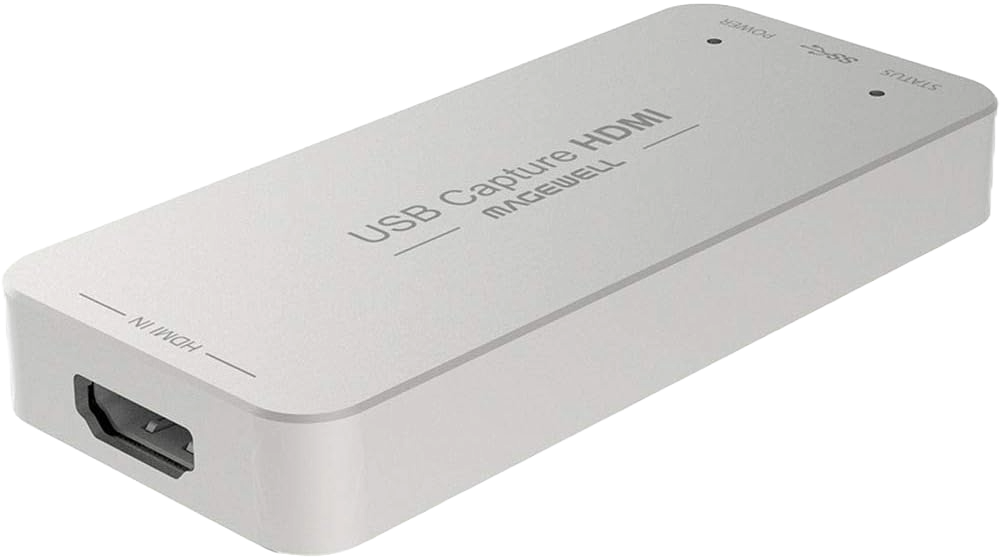
Magewell is widely considered one of the most trusted brands in the capture world. Their USB Capture HDMI Gen 2 is known for rock-solid reliability, clean color, and low latency, and it behaves like a standard webcam in most software.
Strengths
- Extremely stable—rarely drops frames in normal use
- Accepts a wide range of input resolutions and frame rates, then scales cleanly to 1080p for your computer
- Excellent color accuracy for worship lighting
- Works with practically all software (OBS, vMix, Zoom, ProPresenter, etc.)
- Truly plug-and-play—no special drivers needed on most systems
Limitations
- Higher price point than many consumer capture cards
- Only one HDMI input (which is fine for one-camera setups)
Best For
Churches that want the most reliable option available, stream every week, and want something that “just works” with minimal troubleshooting.
Elgato Cam Link 4K
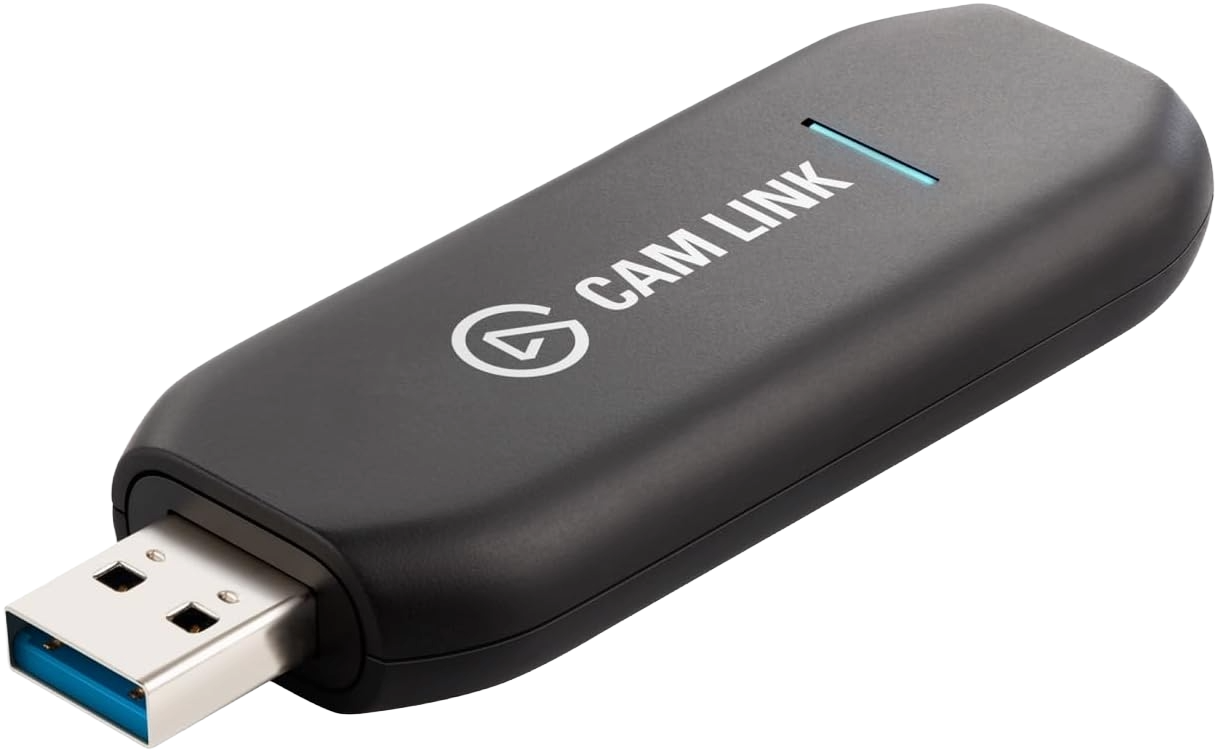
Elgato’s Cam Link 4K is extremely popular with content creators and smaller church setups. It’s compact, affordable, and capable of clean 1080p60 or 4K30 capture from a single HDMI camera.
Strengths
- Very budget-friendly compared to pro capture devices
- Supports up to 4K30 and 1080p60
- Small “USB stick” form factor that’s easy to pack and move
- Widely available and well documented, with lots of community help
Limitations
- More sensitive to HDMI quirks and non-standard formats
- Some cameras require specific HDMI settings to avoid “no signal” issues
- Not ideal for older or interlaced video sources
Best For
Churches using a single modern mirrorless/DSLR camera or camcorder that outputs a clean, standard HDMI signal and want a straightforward, cost-effective solution.
AVerMedia CamStream 4K BU113G2
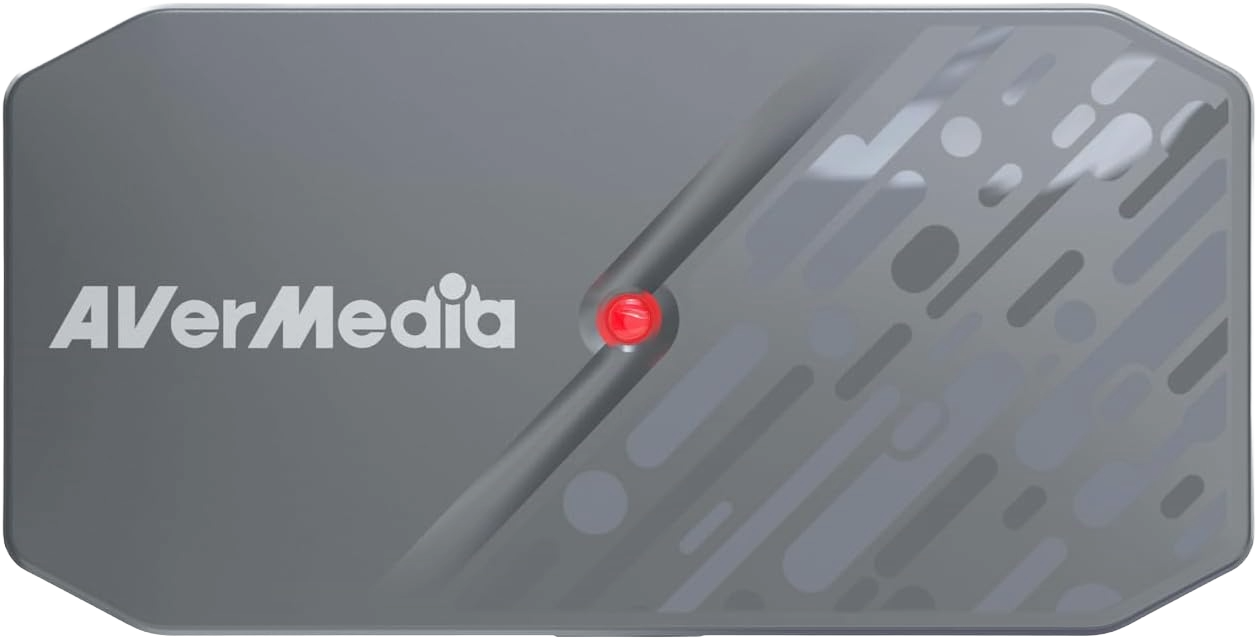
AVerMedia’s CamStream 4K BU113G2 is a great one-camera capture card for churches that want a little more resolution headroom while staying simple. It supports up to 4K60 capture and plug-and-play USB connection.
Strengths
- 4K60 capable, letting you future-proof a one-cam setup
- USB interface makes setup straightforward
- Good value compared to pro capture devices
Limitations
- Slightly pricier than ultra-budget cards
- Some church cameras may still output only 1080p60, so you might not use full 4K right away
Best For
Churches upgrading a single-camera setup that want the extra resolution for future use or want to capture higher quality footage for later editing.
Capture Card Comparison Table:
Magewell vs Elgato vs AVerMedia
| Feature | Magewell USB Capture HDMI Gen 2 | Elgato Cam Link 4K | AVerMedia CamStream 4K BU113G2 |
|---|---|---|---|
| Max Capture Resolution | Up to 1080p60 (accepts up to 2K input) | 4K30 / 1080p60 | Up to 4K60 |
| Input Type | HDMI | HDMI | HDMI |
| Computer Required? | Yes | Yes | Yes |
| Reliability | Excellent | Good | Good |
| Setup Difficulty | Very easy | Easy | Easy |
| Supported Cameras | Very broad (handles unusual formats well) | Best with modern HDMI cameras | Broad support for DSLR/camcorders |
| Price Range | Higher | Low–Mid | Mid |
| Best For | Highest stability and weekly streaming | Budget-friendly one-camera setups | Churches wanting 4K capture capability |
Which One Should Your Church Choose?
There isn’t a single “best” option—just the one that fits your church’s needs.
Choose Magewell if:
- You want maximum reliability and minimal headaches
- You stream every Sunday and need a long-term workhorse
- You’ve had issues with cheaper capture cards and want to upgrade
Choose Elgato if:
- You want an affordable, simple capture solution
- Your church uses a modern mirrorless camera or camcorder
- You’re okay staying within standard HDMI resolutions and frame rates
Choose AVerMedia if:
- You want a simple, 4K-capable capture card for a one-camera setup
- Your church uses a mirrorless, DSLR, or camcorder with clean HDMI out
- You want a mid-range option that feels more “pro” than the cheapest cards, but still easier to use than larger external capture boxes
Final Thoughts
HDMI capture cards are one of the easiest ways for churches to start livestreaming with a single camera. Whether you pick a dependable Magewell, a budget-friendly Elgato, or a flexible AVerMedia device, each of these can deliver a clean, stable video signal for your Sunday service—without requiring a full hardware switcher.
Start with the option that fits your budget and your volunteers’ comfort level, and you can always expand into multi-camera systems later as your livestream ministry grows.
Check out our related posts:
- How to Use Magewell USB Converters to Turn Your Camera Into a High-Quality Webcam
- The Essential Guide: 4K vs UHD — What’s the Difference and Does It Matter for Livestreaming?
This post may contain affiliate links. As an Amazon Associate, I earn from qualifying purchases.