
Wi-Fi vs. Ethernet
When it comes to livestreaming church services, understanding the difference between Wi-Fi and Ethernet for streaming can prevent the most common production headaches—buffering, dropped frames, freezing video, and audio cutting out. This guide explains both options in simple, volunteer-friendly language and shows why a wired Ethernet connection is the best choice for reliable church streaming. We’ll also share a few easy tips for checking your internet speed and making sure your network is ready for Sunday.
What’s the Actual Difference?
What Wi-Fi Is
Wi-Fi uses wireless signals to connect your devices—laptops, phones, tablets—to your router.
Pros:
- Easy to set up
- No cables needed
- Works anywhere within range
Limitations for Streaming:
- Signal can weaken with distance
- Walls, people, and other devices cause interference
- Speeds go up and down throughout the service
- More devices = more instability
In a church building full of smartphones, kids’ check-in stations, and ministry laptops, Wi-Fi becomes unpredictable.
What Ethernet Is
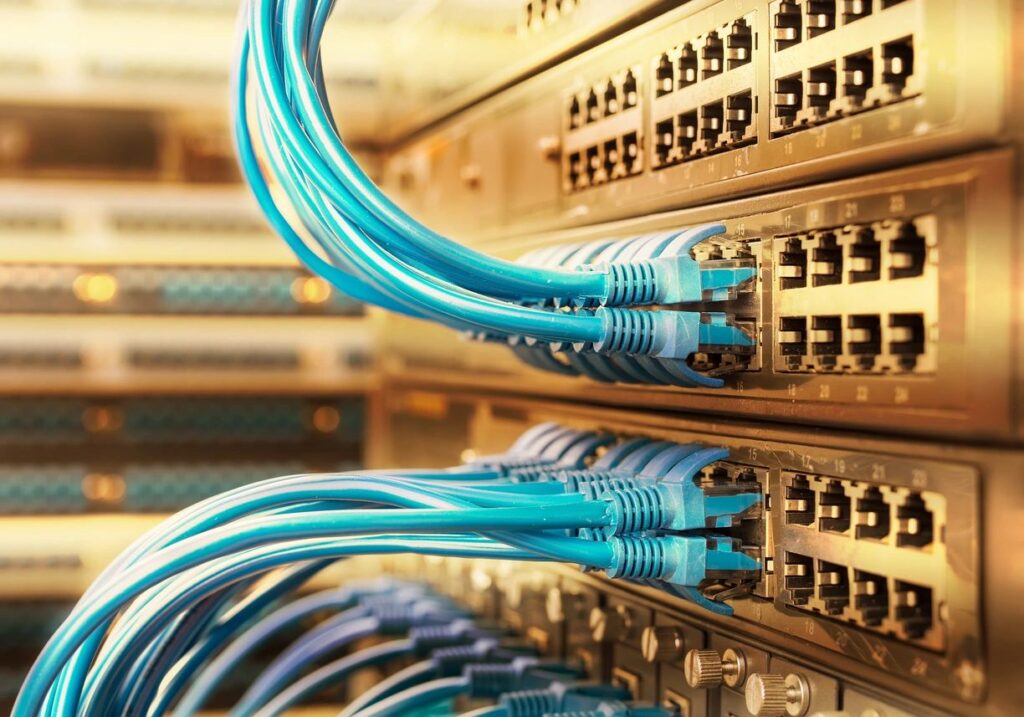
Ethernet uses a physical cable to connect your computer or encoder directly to the router or network switch.
Pros:
- Most stable connection
- Consistent upload speed
- No wireless interference
- Ideal for livestream encoders, ATEM switchers, and PTZ cameras
Limitations:
- You need access to a cable
- Slightly more setup work
For livestreaming a Sunday service, Ethernet wins every time.
Why Ethernet Is the Better Choice for Church Streaming
1. Consistency
When your pastor is preaching or the worship team is leading, the last thing you want is buffering. Ethernet keeps your upload speed steady so your stream stays smooth.
2. Lower Latency
Wired connections respond faster, which helps if you’re sending video to YouTube, Facebook, or Church Online Platform.
3. No Interference
Wi-Fi can dip every time someone walks between your laptop and the router—or when 20 youth group students jump on the network.
4. Works Better With Streaming Gear
ATEM switchers, PTZ cameras, encoders, and NDI workflows are all more stable over Ethernet.
What About Using Wi-Fi for Streaming?
Wi-Fi can work in a pinch, but only under specific conditions:
- Router is close to your livestream station
- Very few devices are connected
- Strong 5GHz signal
- Your upload speed is generous (20 Mbps or higher)
For small churches, this may be acceptable midweek—but for Sunday services, always choose Ethernet when possible.
How to Check If Your Network Is Ready for Streaming
1. Run a Speed Test
Use any speed test site or app and look at your upload speed.
For 1080p church livestreaming, aim for:
- 10 Mbps upload minimum
- 15–20 Mbps preferred
This gives your stream room to breathe and reduces buffering.
2. Make Sure Your Router Isn’t Overloaded
A few quick checks:
- Disconnect unused devices
- Ask staff not to run large uploads during service
- Prioritize livestream gear with Quality of Service (QoS) if your router supports it
3. Use a Wired Connection Whenever Possible
Plug your laptop or encoder directly into:
- Your router
- A network switch
- A dedicated streaming VLAN, if your church has one
4. Keep Network Cables in Good Shape
Faulty Ethernet cables can cause sudden drops. Replace any that are:
- Bent
- Pinched under furniture
- Loose at the connector
- Showing wear
CAT6 cables are inexpensive and very reliable.
Comparison Table:
Wi-Fi vs Ethernet for Streaming
| Feature | Wi-Fi | Ethernet |
|---|---|---|
| Stability | Fair–Unpredictable | Excellent |
| Upload Speed | Varies | Consistent |
| Setup Difficulty | Easy | Easy–Moderate |
| Works With ATEM / NDI | Sometimes | Always |
| Best For | Mobile devices | Livestreaming & production gear |
Final Thoughts
While Wi-Fi is convenient, Ethernet is the clear winner for church livestreaming. A wired connection gives your volunteers a stable, consistent upload speed so your service stays smooth from start to finish. By running a simple speed test and keeping your network clean and organized, you can prevent 90% of the streaming issues churches encounter. When Sunday comes, a solid wired connection helps ensure your message reaches people online with clarity and reliability.
Check out our related posts:
- How to Test Internet Speed Before a Church Livestream
- How to Stream to Multiple Platforms at Once (YouTube, Facebook, and More)
This post may contain affiliate links. As an Amazon Associate, I earn from qualifying purchases.