
Magewell USB Converters
For churches operating a single-camera setup and seeking an affordable way to begin livestreaming, Magewell offers several high-quality solutions that make the process simple and reliable. A Magewell USB converter allows you to connect your existing camera directly to a computer, instantly transforming it into a professional-grade webcam for streaming services, sermons, or events. With excellent compatibility, strong signal stability, and user-friendly operation, Magewell provides an accessible entry point for ministries looking to enhance their online presence without exceeding their budget.
Below are two reliable options to consider, depending on the type of video output your camera provides. If your camera uses HDMI, there’s a converter designed to handle that signal with ease; if it outputs SDI, a more professional broadcast standard, there’s a model built specifically for that as well. Each option offers simple plug-and-play functionality, excellent video quality, and compatibility with most streaming platforms—making them ideal for churches looking to create a smooth and dependable livestream setup with minimal technical hassle.
HDMI or SDI?
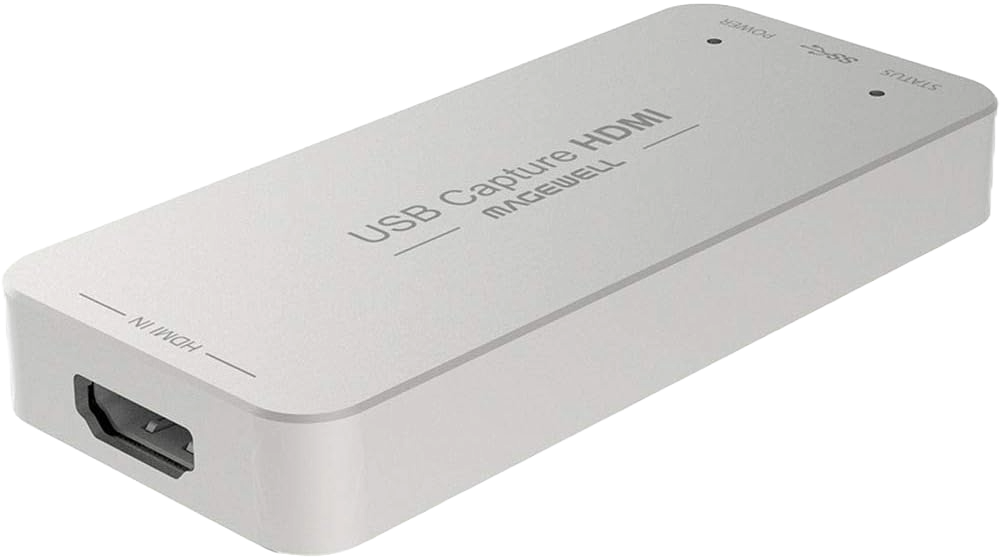
Magewell USB Capture HDMI Gen 2
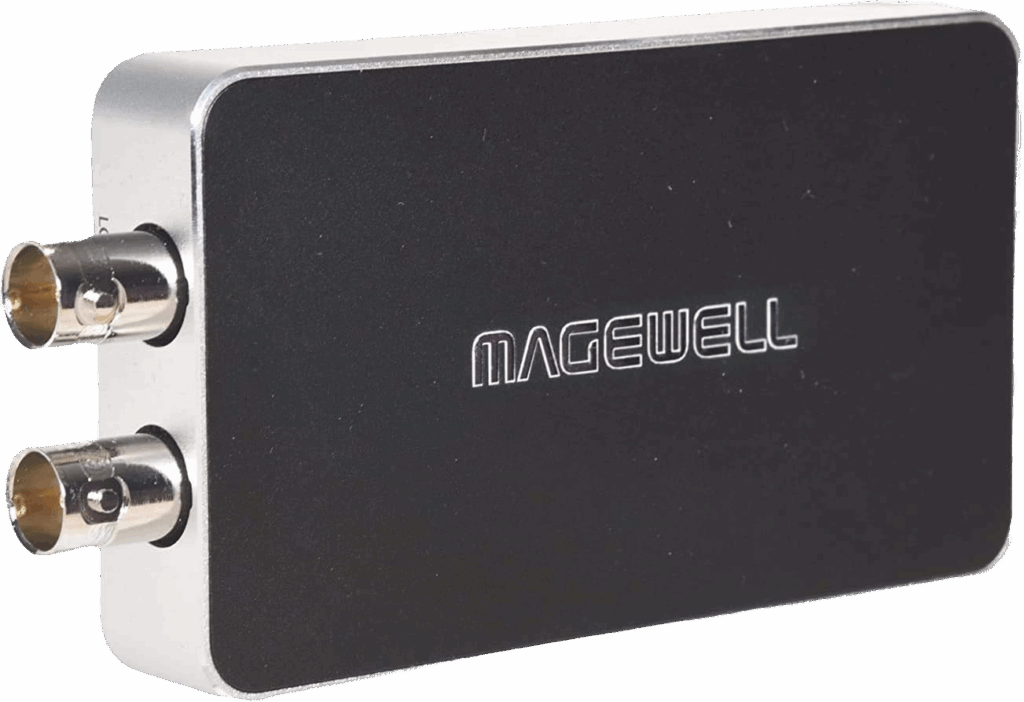
Magewell USB Capture SDI Plus
Final Thoughts
Ultimately, choosing the right model depends on the type of connection your camera uses—SDI or HDMI. Both versions operate in much the same way and are designed to simplify your streaming setup. Once connected, open your streaming platform or software and select “Magewell USB Capture” (the exact name may vary slightly by model) as your video and audio source. After confirming your camera feed and audio levels, perform a quick test to ensure everything is working properly. Once verified, your system will be ready for a smooth and reliable livestream.
Check out our related posts:
- How to Test Internet Speed Before a Church Livestream
- The Essential Guide: 4K vs UHD — What’s the Difference and Does It Matter for Livestreaming?
This post may contain affiliate links. As an Amazon Associate, I earn from qualifying purchases.